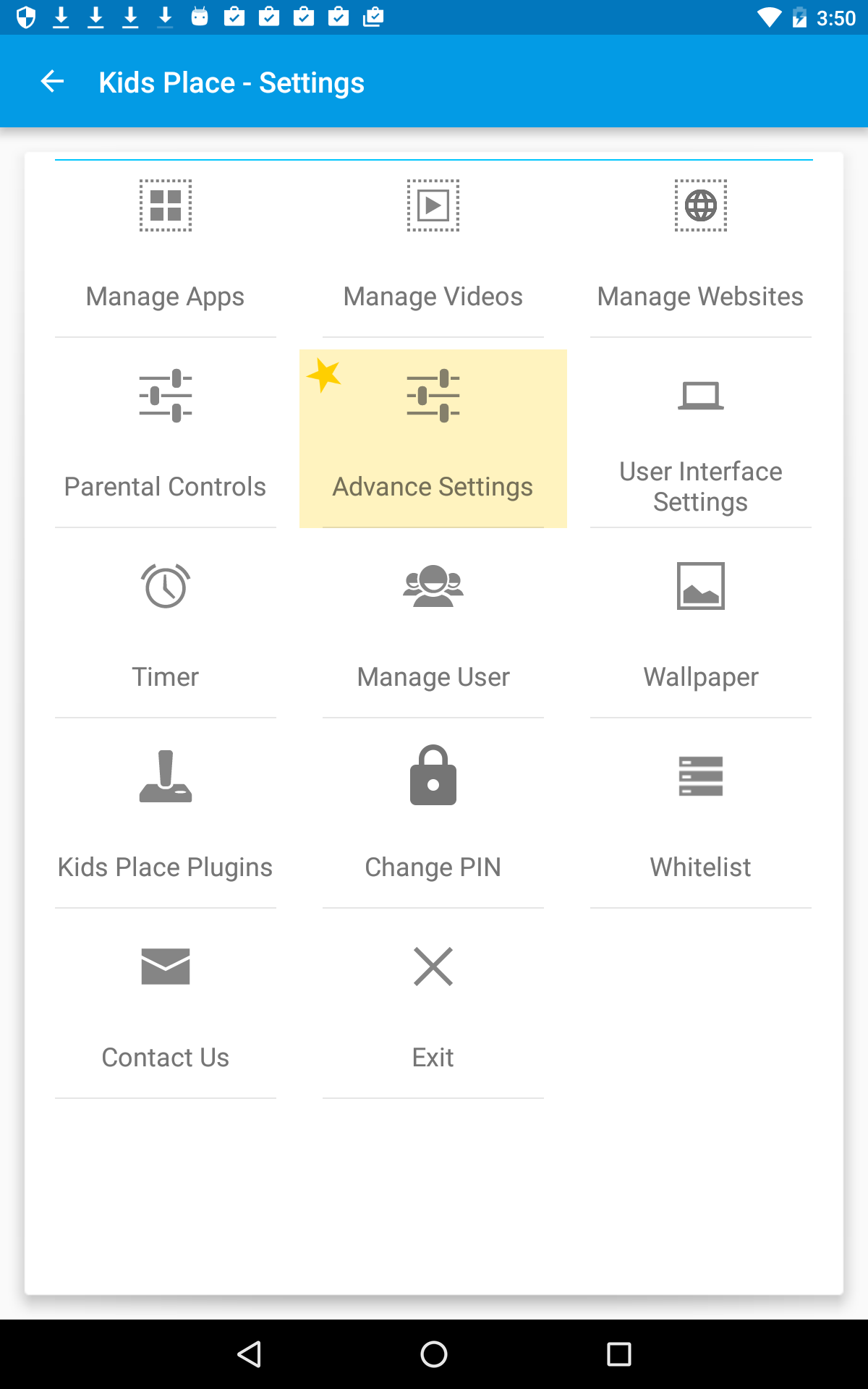
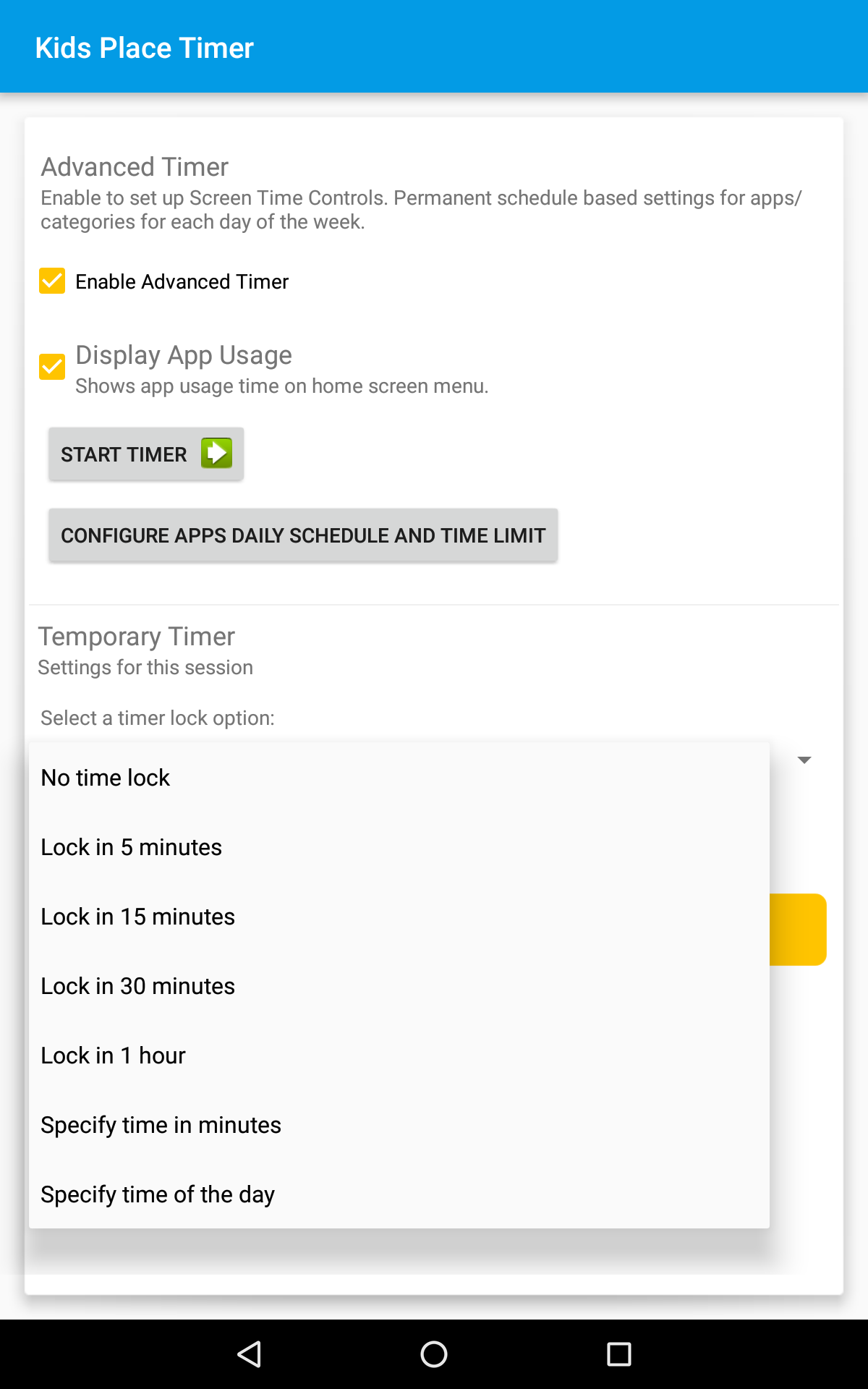
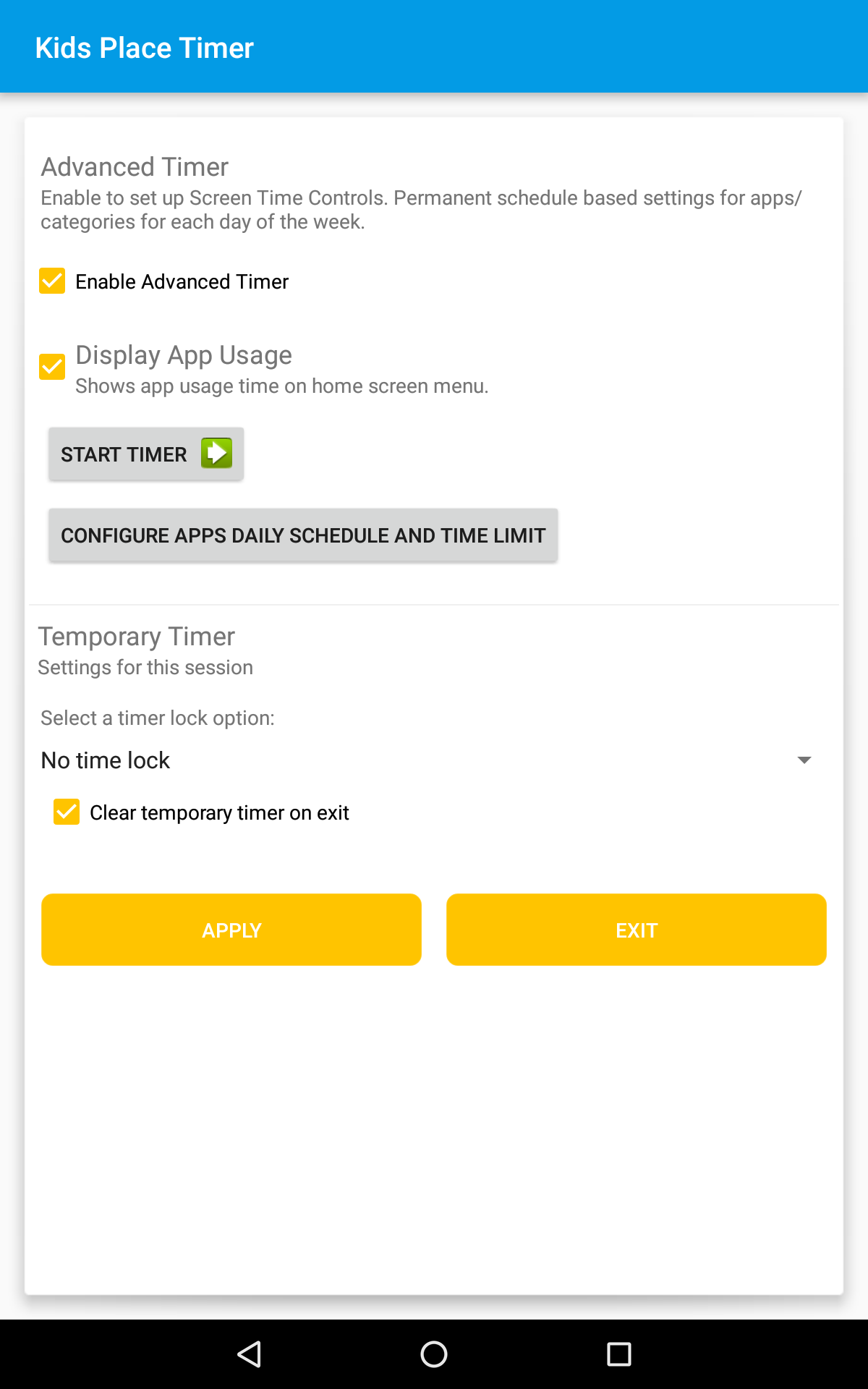
Tap the Menu icon in the upper left hand corner. This will display a list of categories. If you have not already created app categories, you will need to do so. You will see your app categories listed.
Select the Category you would like to schedule or limit. All categories start with the device level, master schedule, which at default should be set to 23:59. Tap the Category you wish to schedule and then follow the steps for opening and closing time slots and setting the Daily Time Limit as desired. This will be applied to the selected category.
Category schedules take effect when the Advanced Timer has been started. When the time limit has been reached, none of the apps in the category will be available.
Note: If the daily limit is one hour, that hour is shared by all of the apps in that category combined, not individually. A category with two apps could get an even thirty minutes per app or any variation adding up to one hour.